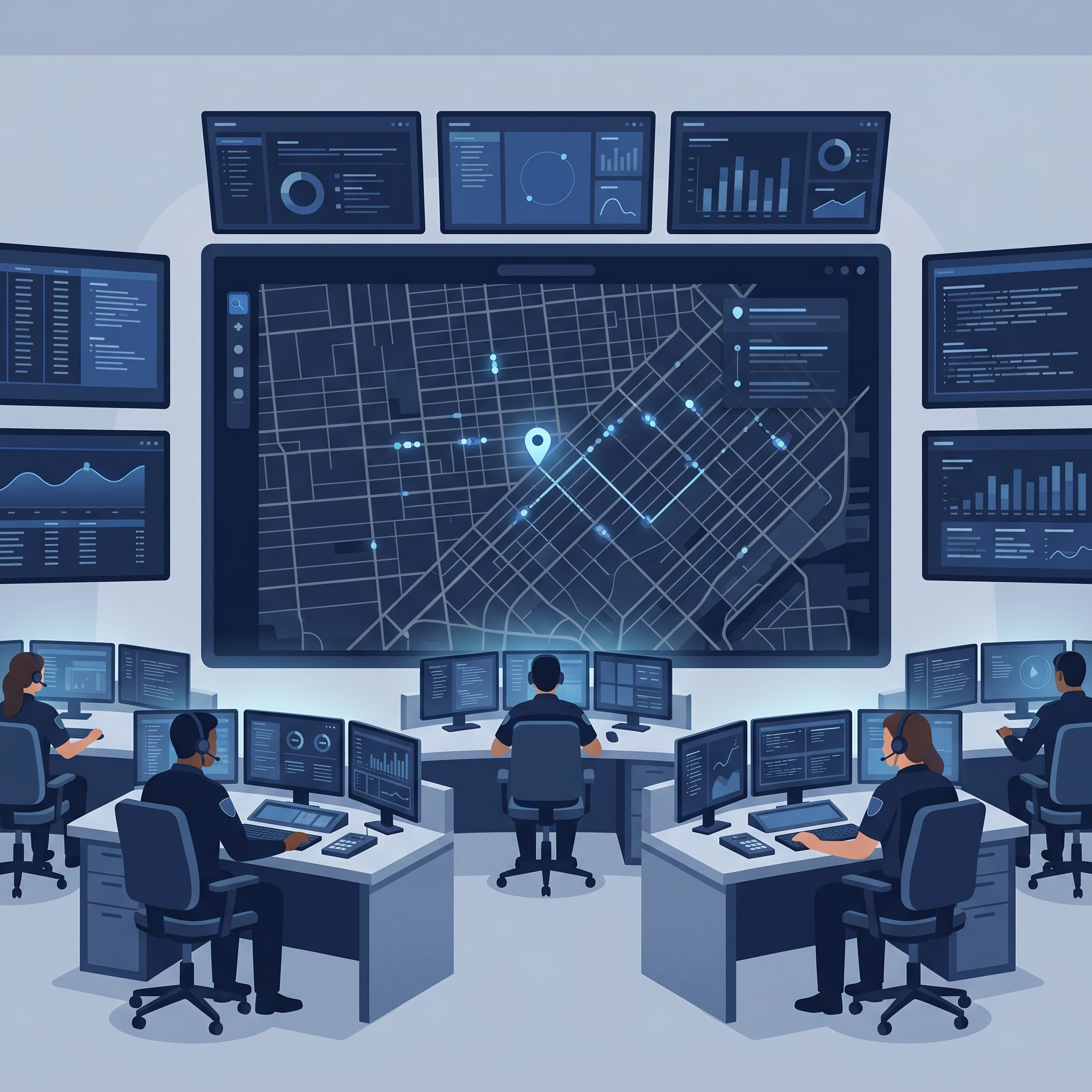
Every Computer-Aided Dispatch (CAD) demo looks the same. The screen loads instantly, units glide across a clean grid, and the caller’s location drops into place the second the call connects. It’s a convincing picture of a system in complete control, and it’s the one most agencies think they’re buying.
But a demo runs on a quiet system with clean data and nobody actually calling. Your floor doesn’t. What happens in a conference room or on a trade show floor tells you very little about how a system holds up at 2 a.m. on your busiest night, and the distance between those two is where most CAD evaluations go wrong.
The Visibility Every Supervisor Assumes They Have
Real-time visibility is the baseline expectation for dispatch now, and that’s fair. When dispatchers and responders are working from the same accurate picture, response gets faster and safer. Supervisors assume that picture is simply always there, because in a demo it always is.
It helps to be clear about what a demo actually is, though. Ask anyone who has stood across from these vendors at a trade show and you’ll hear a version of the same story: much of what looks like live software is a recorded or scripted walkthrough, closer to a polished slideshow than a running system. When a vendor does show something live, it’s usually a stripped-down build on a laptop they carried in, loaded with tidy sample data. Either way, what you’re evaluating isn’t what you’ll operate.
What you see is not what you get.
A demo shows you a system on its best possible day. It tells you almost nothing about what it takes to run that system, and to keep it current, once it is yours. And that comes down to something a demo will never put on screen: how the software is built.
Cloud-Native CAD: Why Architecture Is the Real Issue
Most of the difference between CAD systems that hold up and systems that quietly fall behind is not a feature on a checklist. It is architecture. A traditional CAD system is built to run on-premises, storing and updating its data locally on each machine, and that one design choice shapes everything that follows.
Because the data lives on every machine, any change has to be delivered to every machine. A configuration update, a new workflow, a corrected data layer: each one has to be pushed out station by station, to every dispatch position and every responder’s laptop, usually with scheduled downtime while it happens and your IT staff carrying the load. Routine changes turn into projects. So the system drifts out of date, not because nobody noticed, but because changing anything is expensive enough to put off.
Cloud-native architecture moves that work off your floor. A change is made once and takes effect everywhere. The system stays continuously updated with no downtime, and dispatchers and responders are always on the current version without anyone touching their machines. Nothing to roll out, nothing to schedule around, no per-station project.
Mapping is the easiest place to see the contrast. On legacy systems, something as ordinary as a new or renamed street can mean updating every station and laptop by hand, which takes hours and usually a scheduled outage. On cloud-native architecture, that same change is made once and reaches everyone in seconds, with no downtime and no IT involvement beyond your GIS team. Mapping is only the most visible case. The same applies to workflows, screen layouts, and every other change your agency will make over the years you live with the system: seconds on one architecture, hours and an IT project on the other.
The Only Honest Way to Evaluate It
If the gap between the demo and daily reality is the real risk, then how you evaluate a CAD system has to close that gap instead of rewarding it. A polished walkthrough is built to show you the ceiling. What you need to see is the floor: how the system behaves, and what it costs to run and change, against your call volume, your geography, and your dispatchers on an ordinary shift.
That’s the argument for a hands-on trial, and it’s the ground 10-8 Systems is built to be judged on. The 10-8 Systems CAD platform is cloud-native, so changes take effect everywhere at once instead of station by station, with no rollout to manage. Interoperability between local agencies should be easy, too: CADbridge gives them a shared incident picture, and SecureLink extends that visibility to stakeholders outside the core system. None of that is something you should take on faith. It’s something you should put under load.
So before you commit to another multi-year system on the strength of a demo, run it against a real shift. Ask any vendor to show you what a routine change actually takes once the system is yours, not just how it looks on stage. If they can’t, you’ve learned something the demo would never have told you.
10-8 Systems will let you test cloud-native CAD under your own conditions: your call volume, your geography, your dispatchers on an ordinary shift. See what holds up, and what a routine change actually takes, after the demo is over.